Campus operations where every student request reaches the office that can resolve it — and the student can see where it is
Mi Retail is the operations center for schools, colleges and universities: every certificate request, record check, faculty sign-off and account hold becomes a work item with an owner, a state and evidence. Your student information system keeps the academic record; Mi Retail moves the offices that have to act on it.
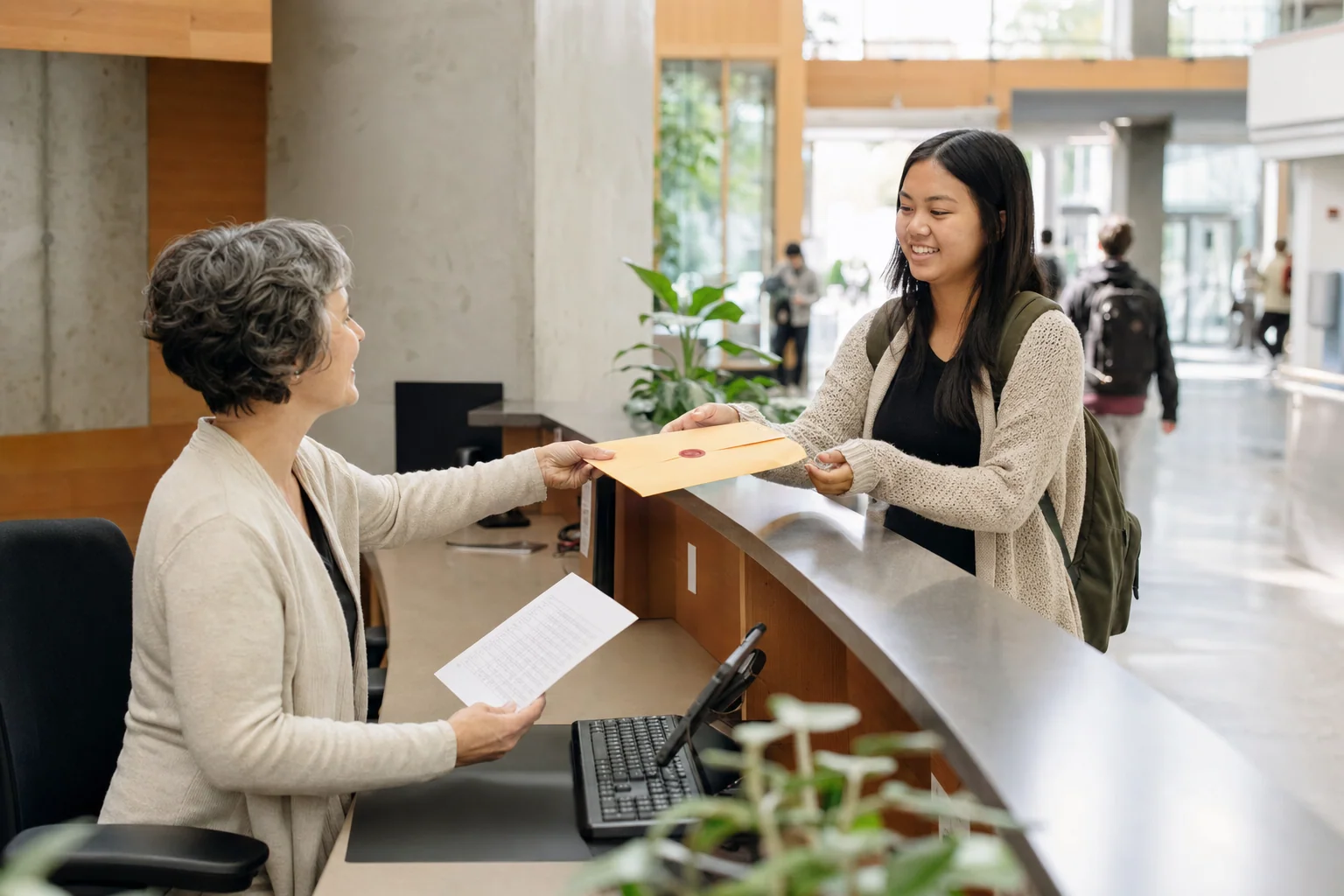



Why do student requests get stuck between campus offices?
Student requests get stuck because one request crosses several offices that each work in their own tool: the registrar in the student information system, faculty by email, student accounts in the finance system and the dean’s office on paper. Nobody owns the whole request, so the student ends up walking between windows to find out what is missing.
-
The student is the only tracker
A request goes into a form or a service desk inbox, and from then on the student has to call or email to learn where it is.
-
Sign-offs wait in someone’s inbox
A missing grade from a professor or a dean’s signature can hold a document for weeks, and nobody sees the delay until the student complains.
-
Holds are discovered too late
An administrative hold on the student’s account appears at the last step, after everyone else has already done their part.
How do schools and universities handle student requests today?
Most institutions run a student information system for enrollment, grades and records, a learning platform for courses, and cover the work between offices with forms, service desk inboxes and email.
Specialized software
What it does well
Enrollment, grades, programs, academic history and fees are structured, reliable and auditable.
Where the work leaves it
The record stays inside the SIS. Confirming a missing grade with a professor, getting a dean’s sign-off or clearing a hold with another office leaves it and continues by email and walk-ins.
Student information systems (SIS) — e.g. Ellucian Banner, Workday Student, PowerSchool1
Indie and AI-built apps
What it does well
A quick app built for one office — a certificate request form, a spreadsheet tracker — is cheap and fast to launch.
Where the work leaves it
It stops at that office’s door: faculty, student accounts and the dean’s office stay outside, with no shared owners or states, and it depends on whoever built it.
No system at all
What it does well
Email, paper forms and a queue at the window are familiar to every student and every office.
Where the work leaves it
Nothing has an owner or a due date, the student is the one chasing, and nobody can show who approved a document or why it took so long.
Keep your SIS. Mi Retail takes over where the work leaves it: between student services, the registrar, faculty and student accounts.
Start freeHow does a university issue an academic certificate without the student chasing every office?
A degree completion certificate moving through Mi Retail — from the student’s request to its delivery — with the state of each work item on Tuesday at 11:00 am.
 Amara
Amara  Kwame
Kwame  Diego
Diego Step by step
- Student services Completed
Degree completion certificate · ID 88213
A student requests a degree completion certificate through the student portal, and it lands as a work item in student services with its due date already set.
- Faculty & dean’s office Completed
Confirm final grade · capstone seminar
The registrar finds one final grade still pending, so a child work item asked the professor to post it in the SIS, and the professor already did.
- Registrar’s office In progress
Verify academic record
The registrar checks credits, final grades and graduation requirements against the student information system before anything is signed.
- Student accounts Blocked
Clear account hold · ID 88213
An administrative hold on the student’s account blocks issuance, so the work item is blocked with that reason until student accounts confirms it is cleared.
- Faculty & dean’s office New
Dean sign-off · degree completion
With the record verified and the hold cleared, the dean signs off from the same work item and the approval is recorded with its date.
- Registrar’s office New
Issue certificate
The registrar issues the certificate in the SIS and attaches the signed document with its verification number to the work item.
- Student services New
Deliver certificate to student
Student services delivers the certificate by the channel the student chose, and the original request closes with the delivery receipt.
One work item, opened
With the record verified and the hold cleared, the dean signs off from the same work item and the approval is recorded with its date.
What changes for the institution
- Every student request has an owner and a state, from the portal to delivery.
- Missing grades, sign-offs and holds show up early, with the reason attached.
- Students follow their own requests instead of walking between windows.
- Every document issued closes with evidence of who verified, who signed and when it was delivered.
Apps involved
- Student Records In StoneOS
- Academic Documents In StoneOS
- Credentials In StoneOS
- Student Services In StoneOS
- Tuition & Fees In StoneOS
- Enrollment In StoneOS
- The SIS you already use Keep your current system
Frequently asked questions: Education & campuses
What is Mi Retail for schools, colleges and universities?
Mi Retail is an operations center for educational institutions. It does not replace the student information system or the learning platform; it manages the administrative work that crosses offices around them. A certificate request, a grade correction, an enrollment change, a transfer credit review or a facilities incident becomes an Operational Work Item with an owner, a state, a due date and evidence. Each person sees what is theirs: student services sees incoming requests, the registrar sees records to verify, faculty see grades to confirm, the dean sees sign-offs and campus leadership sees only what is stuck. The academic record itself stays in your SIS or in the Education edition apps of StoneOS.
Does Mi Retail replace our student information system or learning platform?
No. Your student information system stays the system of record for enrollment, grades, programs and academic history, and your learning platform keeps courses, assignments and content. Mi Retail does not duplicate either. It covers the work those systems leave to email and walk-ins: a grade that a professor has not posted, a signature the dean has not given, a hold that another office has to clear, a document that must be delivered. Each work item can reference the record in the SIS, so staff go to the SIS for academic detail and to Mi Retail to know who has to act next, what is blocking it and by when.
How does an academic certificate request move through Mi Retail?
The student requests the certificate through the portal, and it arrives in student services as a work item with a due date. The registrar opens a review to verify credits, final grades and graduation requirements in the SIS; if a grade is missing, a child work item goes to the professor. If student accounts has an administrative hold on the student, that work item is blocked with the reason, so everyone knows what is missing. Once the record is verified and the hold is cleared, the dean signs off from the same work item. The registrar issues the certificate, student services delivers it, and the request closes with each step recorded.
Can students see the status of their own requests?
Yes. When a student files a request, it appears in their My Requests view with its current state, who is working on it and the expected date, without exposing the internal conversations of each office. If the request is blocked — for example, because of an account hold — the student sees that it is blocked and what they need to do to move it forward. When the document is issued and delivered, the student is notified and the evidence of delivery stays attached. That alone removes a large share of the calls and emails that service desks receive, because the question “where is my certificate?” already has an answer.
What happens when an account hold blocks a document?
The hold stops being a surprise at the last window. As soon as the registrar sees that student accounts has an administrative hold, a work item is created for student accounts and the certificate request is marked blocked with that reason. The student sees what is pending, student accounts sees the case in its own queue with a due date, and the dean does not receive a sign-off request for a document that cannot be issued yet. When student accounts confirms the hold is cleared in its finance system, the blocked work item is released and the registrar is notified to continue. Nobody has to rediscover the problem or restart the request.
Who sees what in a university that uses Mi Retail?
Each role gets its own surface over the same operation. Student services staff and registrar clerks start from Today and My Work, with the requests they have to move. Office coordinators use Team Operations to see what is unassigned, blocked or about to miss its date. Professors and deans see only the work items that need them — a grade to confirm, a sign-off to give — without learning a new system. The provost or campus director uses Operational Portfolio to compare offices and faculties, and Executive Operations for exceptions that need a decision. Control & Assurance lets internal audit or a quality team review how documents were issued.
Can Mi Retail handle work with other institutions or employers?
Yes, as long as both organizations are on Mi Retail. A transfer credit review that needs a syllabus from another university, a degree verification requested by an employer or a joint program with a partner institution can move as derived work items. The requesting institution picks the other organization from the directory and sends the request; it lands in that organization’s own intake queue, where their registrar assigns it internally. Each side keeps its privacy: the requester follows the state, the due date and the result, but not the other institution’s internal work. When the answer comes back, it is attached as evidence and the original work item continues.
Which other campus processes can run on Mi Retail?
Any process where something needs a person to act and cross an office. Common ones are admissions exceptions that need a committee decision, grade corrections that need the professor and the registrar, enrollment changes after deadlines, scholarship or fee reviews, schedule conflicts between programs and facilities incidents such as a broken projector before an exam. Each becomes a work item with an owner, a state and a due date, and escalates to a coordinator or a dean when it gets stuck. Institutions usually start with academic documents because they are frequent and visible to students, then extend the same way of working to the rest of the campus.
How does Mi Retail keep evidence of the documents a school issues?
Every work item keeps who acted, when, in which state and with which attachments. For an academic certificate, that means the original request, the record verification, the grade the professor posted, the hold that was cleared, the dean’s approval with its date, the signed document with its verification number and the delivery receipt. When a student disputes a delay, an employer questions a document or an internal quality review asks how certificates are issued, the institution can show the full sequence instead of rebuilding it from inboxes and paper files. Because the evidence is captured while the work happens, it holds up when someone checks it later.
Does Mi Retail work for a small school as well as a multi-campus university?
Yes, it is the same product at both ends. In a small school where the same few people handle admissions, records and student services, the experience reduces to one Today view with the requests waiting, blocked or due this week, without empty teams or invented hierarchies. In a university with several campuses, faculties and thousands of students, the same work items are distributed across student services, registrars, faculties, student accounts and campus leadership, each with its own surface, and exceptions escalate to the level that can decide. What changes is how responsibilities are split between offices and campuses, not the way the work is represented.
Which StoneOS apps come with the Education edition?
The Education edition of StoneOS brings apps for the domain work of an institution — Admissions, Enrollment, Programs, Cohorts, Schedules, Student Records, Student Services, Tuition & Fees, Academic Documents, Credentials, Certifications and Campus Operations — on top of the Business Core apps every team uses: Chat, Docs, Drive, Calendar, People, Notes, Sheets, Slides and To-do. Those apps keep the depth of each domain. Mi Retail is where the work they generate meets the people who must move it: a document request, an enrollment exception or a hold lands as a work item in the right office’s queue. If you prefer to keep your current SIS, it stays the record.
How does a school or university get started with Mi Retail?
Start with one request type that students complain about — certificates, transcripts or enrollment changes — instead of modeling the whole institution. Create the workspace for student services and the registrar, invite the professors and deans who sign, add student accounts for holds, and let the first requests arrive as work items with an owner and a due date. Within a few weeks you will see where requests wait, which offices carry the load and how often holds appear late. Then add the next request type or the next campus. Mi Retail is free to start, so one office can prove the approach before the rest of the institution joins.

Put the work in motion with Mi Retail
Start free with your team, bring in the systems you already use, and give every request an owner, a state and a result.
Run the institution’s academic domain on StoneOS
Admissions, enrollment, student records and credentials run in StoneOS Education. Mi Retail moves the work between offices.