Service operations where no customer case gets lost between the help desk and the field technician
Mi Retail is the operations center for support and field service teams: the case that breaches its SLA, the escalation to tier 2, the work order for a technician and the customer’s confirmation become work items with an owner, a state and evidence. Your help desk keeps the tickets; Mi Retail keeps the case moving until the customer is truly fixed.
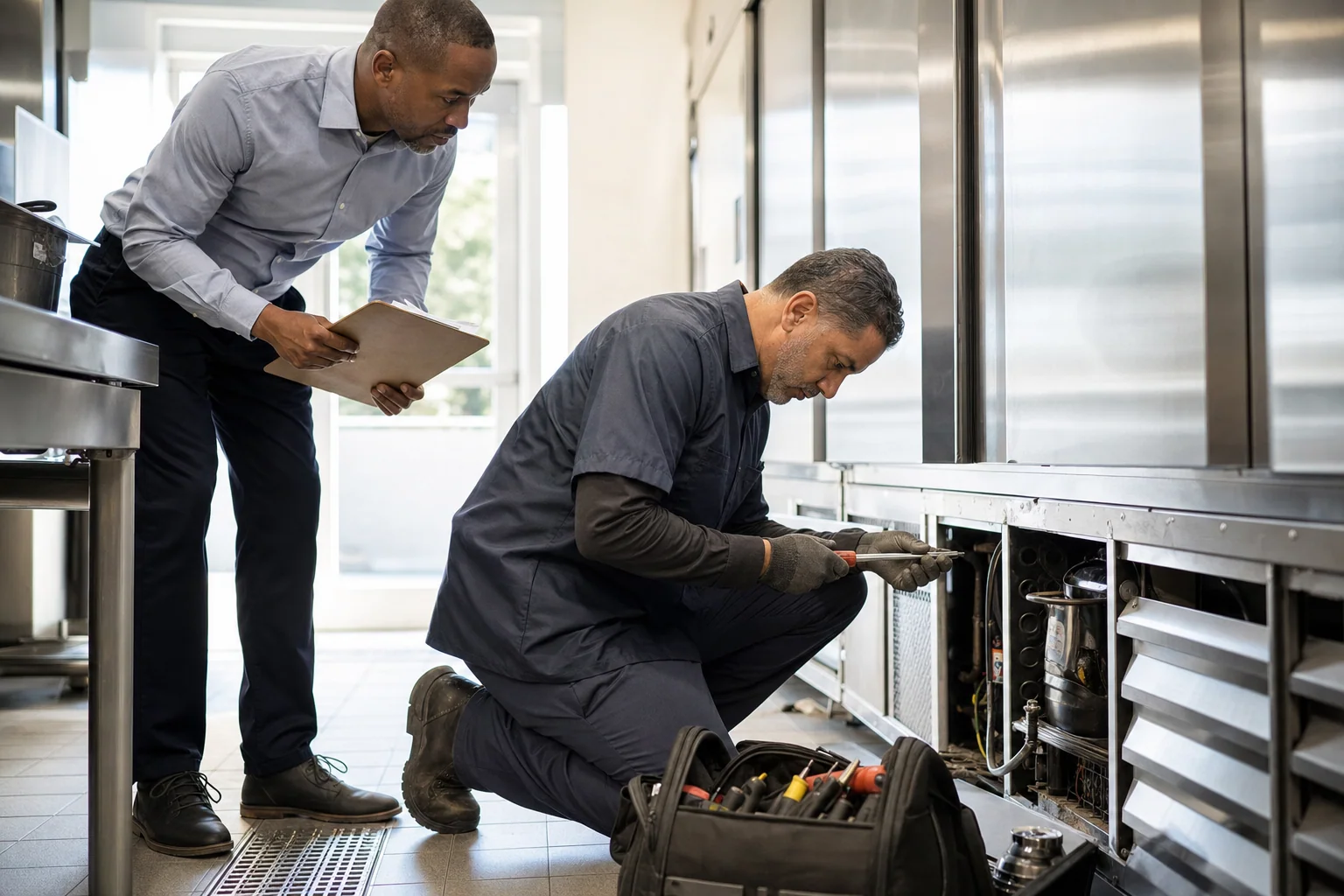



Why do customer cases get lost between the help desk and field service?
Customer cases get lost because the case and the fix live in different places: the help desk owns the ticket, tier 2 owns the diagnosis, dispatch owns the work order and the technician owns the visit. Each handoff resets the context, and the SLA breaks in the gaps between them.
-
Escalations lose the history
Tier 2 receives a ticket number and has to ask the customer the same questions again.
-
The ticket closes before the fix
The desk marks the case solved when the work order is created, while the customer is still waiting for the technician.
-
Exceptions wait for a manager
An out-of-contract part or a goodwill decision sits in a chat until a manager happens to answer.
How do service teams handle this today?
Most service organizations run a help desk for cases and a field service tool for work orders, and connect the two with chat, calls and manual updates.
Specialized software
What it does well
Ticket intake, SLA timers, routing, scheduling and mobile work orders are mature and reliable.
Where the work leaves it
The case and the work order often live in separate tools or teams. The escalation, the manager’s approval for an exception and the confirmation that the customer is truly fixed continue by chat and phone, and the case can close in one place while the customer still waits.
Help desk and field service management software — e.g. Zendesk, ServiceNow, Salesforce Field Service1
Indie and AI-built apps
What it does well
A quick escalation form or a shared dispatch board built in days removes one bottleneck.
Where the work leaves it
It adds another queue with no link to the case or its SLA, and when the technician finishes the job the desk still has to find out by asking.
No system at all
What it does well
Phone calls, a shared inbox and a whiteboard for the technicians are simple and familiar.
Where the work leaves it
Nobody sees which cases are about to breach, escalations depend on who remembers, and a disputed visit cannot be reconstructed.
Keep your help desk and field service tools. Mi Retail takes over where the work leaves them: between the desk, tier 2, dispatch, the technician and the manager who approves exceptions.
Start freeWhat happens when a customer case breaches its SLA and needs a technician on site?
A walk-in cooler at a customer’s store stops holding temperature and the case misses its response target. Here is how it moves through Mi Retail — from the service desk to tier 2, a field work order and the customer’s confirmation — with the state of each work item at 11:20 a.m.
 Mei
Mei  Kwame
Kwame Step by step
- Service desk Waiting
Case 20931 · SLA breached
The help desk flags that case 20931, a walk-in cooler at Greenleaf Market that is not holding temperature, missed its response target, and the desk agent escalates it as an exception that now waits on the fix.
- Tier 2 support Completed
Remote diagnosis · cooler controller
Tier 2 reviews the controller log and the case history, rules out a settings issue and concludes that the compressor relay must be replaced on site.
- Field service Completed
Book technician · first slot
Dispatch books the nearest qualified technician into the first free slot, and the arrival window goes to the store manager.
- Field service In progress
Work order · replace compressor relay
The technician works the field work order created from the case, replaces the relay and records temperature readings before and after the repair.
- Service manager Ready
Approve no-charge repair · SLA missed
Because the relay is not covered by the service contract and the SLA was missed, the service manager decides whether to waive the charge, with the contract terms and the case history in front of them.
- Tier 2 support New
Publish fix to knowledge base
Tier 2 turns the diagnosis into a knowledge article so the next desk agent can recognize the same symptom on the first call.
- Service desk New
Confirm with customer and close
After the visit, the desk agent confirms with the store manager that the cooler holds temperature, and the case closes with the work order’s evidence attached.
One work item, opened
Because the relay is not covered by the service contract and the SLA was missed, the service manager decides whether to waive the charge, with the contract terms and the case history in front of them.
What changes for the service team
- Cases near their SLA are visible before they breach, with an owner who must act.
- Escalations carry the full history, so tier 2 and the technician never start from zero.
- A case closes when the customer confirms the fix, not when the work order is created.
- Warranty and contract exceptions are decided on the work item, with the reason on record.
Apps involved
- Cases In StoneOS
- SLA In StoneOS
- Work Orders In StoneOS
- Dispatch In StoneOS
- Field Service In StoneOS
- Knowledge In StoneOS
- The help desk you already use Keep your current system
Frequently asked questions: Service operations
What is Mi Retail for support and field service teams?
Mi Retail is an operations center that manages the human work around your service tools. The help desk keeps the tickets and the field service tool keeps the work orders; Mi Retail handles what has to happen between them when a case needs more than one person. A case at risk of breaching its SLA, an escalation to tier 2, a work order for a technician, a manager’s approval for an exception and the customer’s confirmation each become an Operational Work Item with an owner, a state, a due time and evidence. Every role sees its part — the desk, tier 2, dispatch, the technician and the manager — and the case closes only when the customer is truly fixed.
Does Mi Retail replace our help desk or field service management software?
No. Your help desk stays the system of record for tickets, channels and SLA timers, and your field service tool keeps scheduling, routes, parts and mobile work orders; Mi Retail never duplicates them. What Mi Retail adds is the layer between them: the ownership of a case as it crosses teams. The help desk can tell you that a ticket breached its SLA; Mi Retail manages who must act now, what the case is waiting for, which approval is pending and with which evidence it can close. Technicians and agents keep working in the tools they know. Keep your service tools; Mi Retail takes over where the work leaves them.
What happens in Mi Retail when a case breaches its SLA?
A case that breaches or is about to breach its SLA becomes an exception work item with an owner, not just a red timer in the help desk. The desk agent escalates it to tier 2 with the full history attached; tier 2 diagnoses it and, if the fix needs a visit, a field work order is created from the same case. Dispatch books a technician, the technician resolves it on site with evidence, and any exception — an out-of-contract part, a goodwill waiver — goes to the service manager as an approval. The case waits visibly while the field work happens, and it closes only when the customer confirms the fix.
How do escalations from tier 1 to tier 2 work without losing context?
An escalation in Mi Retail moves the work item, not just a ticket number. Tier 2 receives the case with the customer, the asset, the conversation so far, what the desk already tried and the SLA still running, so nobody has to ask the customer the same questions again. The tier 2 engineer sees it in My Work ordered by priority and due time, can mark it waiting for the customer or blocked with a reason, and can send it back to the desk with a clear next step. Coordinators see in Team Operations which escalations are piling up and who is overloaded, and can rebalance the queue before cases start breaching.
How are field work orders linked to the case, and what do technicians record?
The field work order is created from the case, so it stays linked to it as related work: the desk sees when the technician is booked, on the way, on site and done, without calling anyone. The technician records what was found, which parts were used, readings or measurements before and after the repair, photos and the customer’s signature, and that evidence travels back to the case. If the technician cannot finish — a part is missing, the site is closed — the work order is marked waiting or blocked with the reason, and a follow-up visit is booked. The case cannot quietly close while its work order is still open.
How are warranty and service contract exceptions approved?
When a repair falls outside the warranty or the service contract — an uncovered part, an extra visit, a goodwill waiver after a missed SLA — the decision becomes an approval work item in the service manager’s queue. It arrives with the contract terms, the warranty status, the case history and the cost of each option, and the manager approves or rejects from the work item with the reason on record. If the manager does not decide in time, the approval is visible as at risk and can be escalated. The technician does not have to wait on site for a call back, and finance later sees exactly why a charge was waived.
How does customer confirmation work, and do customers need Mi Retail?
Customers do not need Mi Retail to be served: the desk agent confirms the fix with them through the channel you already use and records the confirmation as evidence before the case closes. When the customer is a business with its own organization on Mi Retail, the exchange can go further: a request can travel as a derived work item that lands in the customer’s own queue — for example, to give site access or confirm the repair — and both sides follow its state while keeping their internal work private. The same applies to subcontracted service partners on Mi Retail, who receive work orders as derived work items and close them with evidence.
What does a service manager see in Mi Retail?
A service manager does not need to watch every ticket. Team Operations shows the desk, tier 2 and field queues: what is unassigned, what is blocked, which cases are about to breach and who is overloaded. Operational Portfolio compares customers, contracts, regions or product lines, so repeated failures and slow areas stand out. Executive Operations shows only what needs a decision at that level, such as a key account with several breaches, a contract exception above the usual limit or a recurring fault that points to a product problem. Each item carries its history, so the manager can decide from Mi Retail without a meeting to reconstruct what happened.
How do solved cases become knowledge for the next agent?
When tier 2 or a technician finds the cause of a problem that the desk could not solve, publishing that fix becomes a follow-up work item attached to the case, with an owner and a due date. The knowledge article itself is written and stored in your knowledge base; Mi Retail makes sure the follow-up does not disappear once the customer is happy. Coordinators can see which solved cases still have pending knowledge work, and repeated escalations of the same symptom become visible as a pattern in Operational Portfolio. Over time, fewer cases need tier 2, because the desk recognizes the problem on the first call.
What evidence does Mi Retail keep if a customer disputes a visit or a charge?
Every work item keeps who acted, when and with which attachments. For a service case, that means the original report, the SLA timeline, the escalation, the diagnosis, the work order with arrival time, readings, photos and signature, the manager’s approval with its reason and the customer’s confirmation, all linked to the same case. When a customer disputes a visit, a charge or a response time, the team shows the full trail instead of rebuilding it from call logs and technician notes. Control & Assurance lets a quality or contract team review those trails and record findings, and the evidence holds because it was captured while the work happened.
Does Mi Retail work for a small service company as well as a large service organization?
Yes, it is the same product at both ends. In a small company where the same person answers the phone, dispatches and sometimes goes on site, Mi Retail collapses to the essentials: one Today view with the cases at risk, the visits booked and what must be confirmed with customers, without tiers that do not exist. In a large service organization, the same work items are distributed across the desk, tier 2, dispatch, technicians, partners and regional managers, each with its own surface, and exceptions escalate to the right level. What changes is how responsibilities are split, not how a case, a work order or an approval is represented.
Which StoneOS apps come with the Service suite?
The Service suite of StoneOS brings apps for the domain work of support and field service: cases, service desk, SLA, knowledge, warranties, service contracts, work orders, scheduling, dispatch and field service. They sit on top of the Business Core apps every team uses, such as Chat, Calendar, Docs, People and Drive. Those apps keep the depth of each domain — SLA policies, routes, parts, contract terms. Mi Retail is where the work they generate meets the people who must move it: a case about to breach, a work order blocked by a missing part or a warranty exception lands as a work item in the right queue. If you keep your current help desk, it stays the record.
How does a service team get started with Mi Retail?
Start with the handoff that breaks most often: usually escalations that stall between the desk and tier 2, or cases that close before the technician finishes. Create a workspace for that flow, invite the agents, engineers, dispatchers and the manager involved, and let the next escalations arrive as work items with an owner and a due time. Within a few weeks you will see where cases wait, which exceptions sit with a manager and which customers keep coming back. Then add field work orders and customer confirmation, connect the help desk you already use and, when it makes sense, add the Service suite apps from StoneOS. Mi Retail is free to start.

Put the work in motion with Mi Retail
Start free with your team, bring in the systems you already use, and give every request an owner, a state and a result.
Run service delivery on StoneOS
Cases, SLAs, work orders and dispatch run in StoneOS Service. Mi Retail keeps each case moving until it is resolved.