Field operations where every fault has an owner — from dispatch and work permits to contractor crews and proof of service
Mi Retail is the operations center for utilities and field operations teams: every reported fault, crew dispatch, work permit, contractor handoff and repair becomes a work item with an owner, a state and evidence captured on site. Your outage and asset systems keep the network record; Mi Retail keeps the people in the control room and in the field moving.
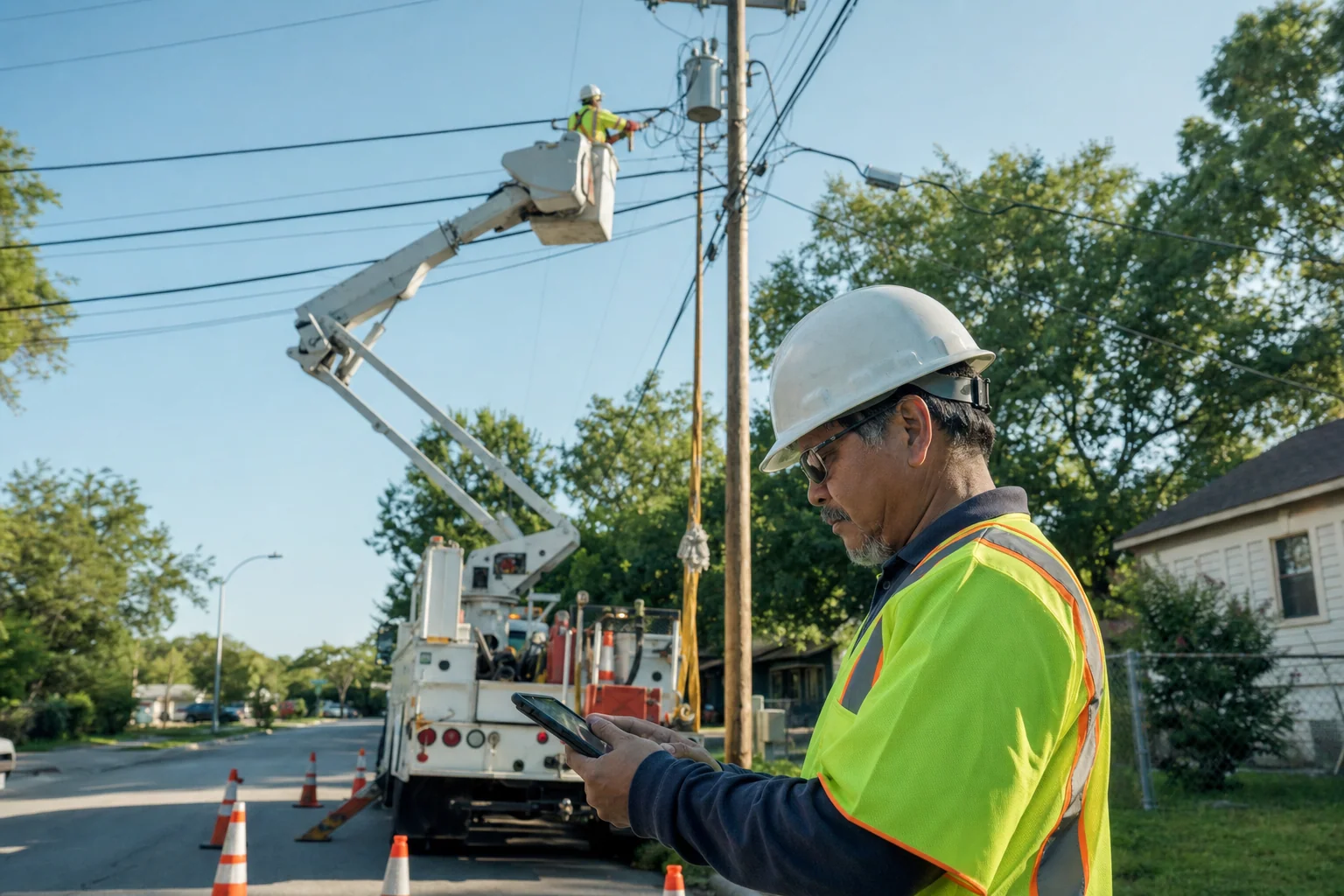



Why do repairs slow down between the control room, the crews and contractors?
Repairs slow down because the systems know where the fault is but not who is moving it: the outage system shows the affected customers, the permit is signed on paper, the crew reports by radio and the contractor is called by phone. Every handoff between those people is informal, so the control room cannot say what the job is waiting for and the customer waits longer.
-
The radio is the status report
Where each crew is and what it found lives in radio calls, and the dispatcher rebuilds the picture every hour.
-
Permits sit outside the job
The work permit is a paper form in the truck, so nobody in the office can confirm it was approved before the crew started.
-
Contractors report when they remember
Part of the job goes to a contractor crew by phone, and the proof that it was done arrives days later, if at all.
How do utilities and field teams handle this today?
Utilities and field service organizations run asset management, outage management or field service systems for the network and its work orders, and coordinate the people around them by radio, phone and spreadsheets.
Specialized software
What it does well
Asset registers, maintenance plans, work orders, scheduling and technician mobility are deep and proven.
Where the work leaves it
The work order lives inside one company’s system. The permit approval, the handoff to a contractor that runs its own tools and the decisions between the control room and the field continue by phone and radio.
Enterprise asset management and field service systems (EAM / FSM) — e.g. IBM Maximo, IFS Cloud, Salesforce Field Service1
Indie and AI-built apps
What it does well
A quick inspection form or a photo-capture app built in days gets crews recording evidence fast.
Where the work leaves it
It collects forms but has no model of who owns the job, what it is waiting for or how to hand part of it to another company. It usually depends on whoever built it.
No system at all
What it does well
Radio, phone calls and paper permits are familiar, and they work in the field without training.
Where the work leaves it
Nothing has an owner or a state, proof of work arrives late or never, and after an incident nobody can reconstruct who authorized what.
Keep your asset and outage systems. Mi Retail takes over where the work leaves them: between the control room, your crews, permit authorities and contractor companies.
Start freeHow does a utility restore service when part of the repair goes to a contractor crew?
A storm brings down a pole on a distribution feeder. Here is how the outage moves through Mi Retail — from the control room to the crews, to the contractor and back — with the state of each work item at 2:15 pm.
 Diego
Diego  Kwame
Kwame Step by step
- Control room In progress
Outage · Feeder 12, span 40
The outage system shows Feeder 12 out after customer calls, so the control room opens an incident work item that will hold the whole case until service is restored.
- Line crew 4 Completed
Assess fault on site · span 40
Crew 4 is dispatched, finds a broken pole with the conductor down and closes the assessment with photos and its arrival location.
- Operations supervisor Completed
Approve work permit · isolate and ground
Before anyone touches the line, the operations supervisor approves the work permit with the isolation points and grounding confirmed by the crew.
- Vantage Line Contractors · Civil works crew In progress
Replace broken pole · span 40
A derived work item lands in Vantage Line Contractors’ own Mi Retail with the site and the approved permit, where their civil crew sets the new pole.
- Line crew 4 Ready
Re-string conductor · reconnect
Once the pole is set, crew 4 re-strings the conductor and closes the repair with photos and geolocation, so the office knows exactly what was done and where.
- Operations supervisor New
Close permit · remove grounds
The supervisor closes the work permit only after every crew, including the contractor, confirms it is clear of the line and the grounds are removed.
- Control room New
Confirm service restored · Feeder 12
The control room re-energizes the feeder, confirms that customers are back in service and closes the outage with the full trail of crews, permit and contractor work.
One work item, two organizations
A derived work item lands in Vantage Line Contractors’ own Mi Retail with the site and the approved permit, where their civil crew sets the new pole.
What changes for field operations
- Every fault has an owner and a state, from the first call to the restored service.
- No crew starts a job without an approved work permit on record.
- Contractor crews receive their part as derived work items and close it with proof of service.
- Every repair closes with photos and location you can show a regulator, an insurer or a customer.
Apps involved
- Dispatch Board In StoneOS
- Work Permits In StoneOS
- Outages In StoneOS
- Field Crews In StoneOS
- Evidence Capture In StoneOS
- Offline Execution In StoneOS
- Proof of Service In StoneOS
- The asset or outage system you already use Keep your current system
Frequently asked questions: Utilities & field operations
What is Mi Retail for utilities and field operations?
Mi Retail is an operations center for utilities and any organization whose work happens in the field: power, water, gas, telecom networks, and teams that install, inspect or repair assets on site. It does not model the network or schedule maintenance plans; it manages the human work around those records. A reported fault, a crew dispatch, a work permit, a job handed to a contractor or a repair that needs verification becomes an Operational Work Item with an owner, a state, a due time and evidence captured on site. The domain work — assets, meters, outages, routes, dispatch — runs in StoneOS apps or in the systems you already use.
Does Mi Retail replace my asset management, outage or field service system?
No. Your asset management system stays the record for assets and maintenance, your outage system keeps the network and customer impact, and your field service tool keeps its work orders. Mi Retail never duplicates them. What it adds is the layer those systems do not cover well: the coordination between people and companies when a record needs action. The outage system tells you a feeder is down; Mi Retail manages who assesses it, who approves the permit, which part goes to a contractor, what the job is waiting for and with which evidence it closes. Keep your systems; Mi Retail takes over where the work leaves them.
How does Mi Retail handle an outage from the first report to restored service?
When a fault is reported, the control room opens an incident work item that holds the whole case. A crew is dispatched and closes its assessment with photos and its location. Before work starts, the operations supervisor approves the work permit with isolation and grounding confirmed. If part of the job belongs to a contractor, such as setting a new pole or excavating, it goes to that company as a derived work item. The crew completes the repair with photo and geolocation evidence, the permit is closed only when every crew is clear, and the control room confirms the restoration and closes the outage with its full trail.
Do contractor companies need to use Mi Retail to receive work?
Yes. Work between organizations moves as derived work items, so both the utility and its contractor need their own organization on Mi Retail. The utility picks the contractor from the directory and sends the job with the site, the approved permit and the deadline; the contractor receives it in its own intake queue and assigns it to one of its crews. Each side keeps its privacy: the utility follows the state, due time and proof of service, but not the contractor’s internal scheduling or conversations, and the contractor can serve several utilities without mixing their information. When the contractor closes its part with photos and location, the utility sees it immediately.
How are work permits handled before a crew starts work?
The work permit is an approval work item linked to the job, not a paper form in the truck. The crew requests it from the site with the isolation points and the grounding it has applied; the supervisor approves or rejects it with a reason, and the crew sees on the job itself whether that approval is recorded before anyone starts. Contractor crews working under the same permit see it on their derived work item. At the end, the permit closes only after every crew confirms it is clear. Your permit rules and safety procedures stay yours; Mi Retail makes sure each step has an owner, a time and a record.
How does Mi Retail capture proof that field work was done?
Each field work item closes with the evidence the organization defines for that kind of job: photos before and after, the geolocation where the work was done, readings, signatures or a short form. Because the evidence is attached by the person on site while the work happens, it carries its own time and place instead of being rebuilt later from calls and messages. Evidence from contractor crews arrives the same way on their derived work items. When a customer disputes a visit, an insurer asks about a claim or an internal review looks at an incident, the proof is already attached to the case.
Can crews work in areas without mobile coverage?
Field work often happens where coverage is weak, which is why the Field Operations edition of StoneOS includes Offline Execution and Evidence Capture apps built for crews on site. Those apps handle the domain side: forms, photos and readings captured on the device and synchronized when it is back in range. Mi Retail receives the result as the state and evidence of the corresponding work item, so the control room sees when the job was actually done and by whom. If you already use a mobile field service tool with its own offline mode, it stays in place, and the work items it produces reach Mi Retail the same way.
What do dispatchers, supervisors and managers each see in Mi Retail?
Crews see My Work and Today with only the jobs dispatched to them, the permit status and the evidence each one requires. Dispatchers and supervisors use Team Operations to see which jobs are unassigned, waiting for a permit, blocked by a missing part or running late, and to reassign work between crews. An operations manager uses Operational Portfolio to follow each territory and each contractor, and Executive Operations shows only the decisions that need that level — a prolonged outage, a contractor that keeps missing its times, a repeated failure on the same asset. Everyone works on the same operation from a different surface.
How does Mi Retail keep an audit trail of outages, permits and repairs?
Every work item keeps who acted, when, under which approval and with which attachments, and derived work keeps its link to the case it came from. After a major event, the organization can show the full sequence for each outage: when it was reported, which crew was sent, who approved the permit and on what conditions, what the contractor did and when, the evidence of the repair and the moment service was confirmed. Control & Assurance lets an internal auditor or a safety team review those trails without asking anyone for screenshots or radio logs, because the record was built while the work happened.
Does Mi Retail work for a small field service company as well as a large utility?
Yes, it is the same product at both ends. In a small company with two or three crews, the experience collapses to the essentials: one Today view with the jobs of the day, what is waiting on a permit or a part and what must be closed before evening, without fake hierarchies or empty teams. In a large utility with a control room, dozens of crews, several territories and many contractors, the same work items are distributed across dispatch, crews, supervisors and management, each with its own surface, and exceptions escalate to the right level. Small contractors also use it to receive and close work from the utilities they serve.
Which StoneOS apps come with the Energy & Utilities and Field Operations editions?
The Energy & Utilities edition of StoneOS brings apps for the network and its assets — sites, infrastructure, meters, assets, maintenance, inspections, work permits, incidents and outages — and the Field Operations edition adds field crews, territories, routes, dispatch board, mobile work, offline execution, geolocation, field forms, evidence capture and proof of service. Both sit on top of the Business Core apps every team uses: Chat, Docs, Drive, Calendar, People, Notes, Sheets, Slides and To-do. Those apps keep the depth of each domain; Mi Retail is where the work they generate meets the people who must move it. If you keep your current systems, they stay the record.
How does a utility or field operations team get started with Mi Retail?
Start with one process that keeps slipping — outage repairs, work permits or jobs handed to contractors — instead of modeling the whole operation. Create the workspace for that process, invite the dispatchers, supervisors and crew leads involved, and let the next faults arrive as work items with an owner and a due time. Within a few weeks you will see where jobs wait and which handoffs cause delays. Then invite your main contractors to receive work through Mi Retail, connect the systems you already use and, when it makes sense, bring in the Energy & Utilities or Field Operations apps from StoneOS. Mi Retail is free to start, so a single territory can try it first.

Put the work in motion with Mi Retail
Start free with your team, bring in the systems you already use, and give every request an owner, a state and a result.
Run the network and the field on StoneOS
Assets, meters, outages and work permits run in StoneOS Energy & Utilities and Field Operations. Mi Retail moves the crews.