Farm operations where every field finding reaches the right person — from scouting to application to follow-up
Mi Retail is the operations center for farms, growers and agribusinesses: every pest finding, agronomist recommendation, input approval and field application becomes a work item with an owner, a state and evidence. Your farm management system keeps the field records; Mi Retail keeps the people between the office and the field moving.
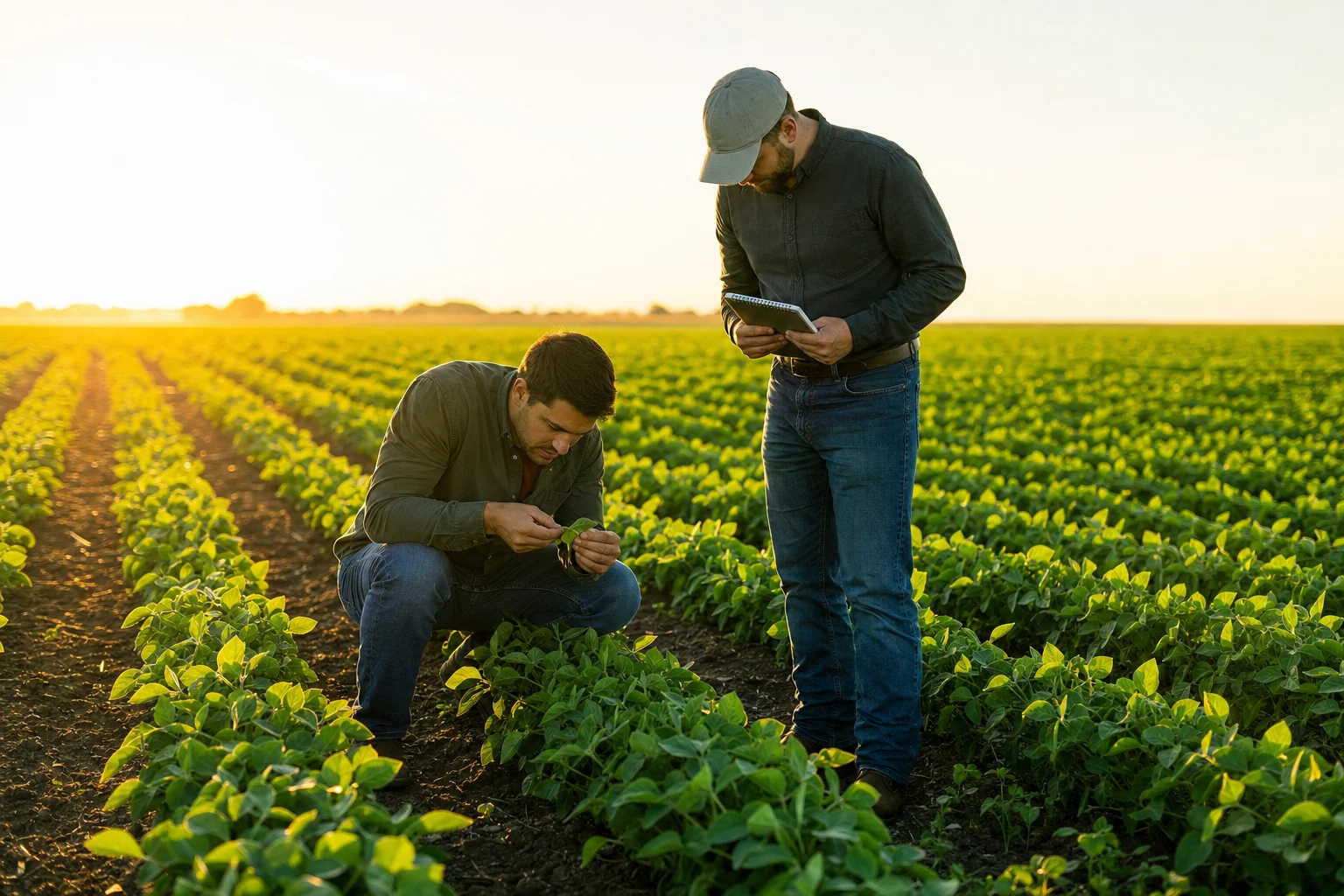



Why do field findings get lost between scouting, the agronomist and the crew?
Field findings get lost because the work that follows them is split across people who are rarely in the same place: the scout reports from the plot, the agronomist recommends from the office, the manager approves by phone and the crew applies when the weather allows. Each handoff travels by voice note or paper, so nobody can say whether a treatment was actually done, when and at which dose.
-
Findings arrive as voice notes
A scout’s photo of a pest in a group chat is buried under a hundred messages by the time the agronomist reads it.
-
The weather rewrites the plan
Wind or rain postpones an application, and the new window depends on someone remembering to reschedule it.
-
The record is written after the fact
Dose, product lot and date are copied into a notebook at night, and a buyer’s traceability request means digging through paper.
How do farms handle field work today?
Many farms use farm management or precision agriculture software for maps, machinery and yield data, and coordinate the people doing the field work through group chat, calls and notebooks.
Specialized software
What it does well
Field maps, machinery data, planting and harvest records, and yield analysis are rich and precise.
Where the work leaves it
The data shows where the problem is, but the recommendation, the purchase approval, the weather delay and the follow-up inspection happen between people, outside the platform.
Farm management and precision agriculture software — e.g. John Deere Operations Center, Climate FieldView, Cropwise1
Indie and AI-built apps
What it does well
A simple scouting form or a spray log app built for one farm is cheap and gets the crew recording quickly.
Where the work leaves it
It captures data but does not move the work: nobody is assigned the recommendation, the approval or the follow-up, and it rarely works when the office changes hands.
No system at all
What it does well
Group chat, phone calls and a field notebook are immediate and work anywhere a crew goes.
Where the work leaves it
Nothing has an owner or a state, a postponed application is easy to forget, and the treatment history of a plot lives in someone’s memory.
Keep your farm management software. Mi Retail takes over where the work leaves it: between the scout, the agronomist, the manager and the field crew.
Start freeHow does a farm go from a pest finding to a recorded, verified treatment?
Scouting finds whitefly above the threshold in one plot. Here is how the case moves through Mi Retail — from the field to the office and back — with the state of each work item on Monday afternoon.
 Mei
Mei  Kwame
Kwame Step by step
- Field scouting Completed
Plot 7B · whitefly above threshold
During the weekly inspection the scout counts whitefly above the action threshold in plot 7B and opens a finding with trap counts and photos instead of sending a voice note.
- Agronomist Completed
Recommend treatment · plot 7B
The agronomist reviews the counts and the crop stage and records a treatment recommendation with product, dose per hectare and pre-harvest interval.
- Farm manager Completed
Approve input purchase · insecticide
The farm manager approves buying the recommended insecticide from the same work item, with the supplier quote attached and the reason on record.
- Field crew Completed
Pick up inputs from storage
The crew lead collects the product from the farm store and closes the work item with the product lot number, so the application can be traced later.
- Field crew Waiting
Apply treatment · plot 7B
Wind is above the product label limit and rain is forecast, so the application is waiting on weather with that reason and a new window tomorrow at dawn.
- Field scouting New
Follow-up inspection · plot 7B
Seven days after the application the scout counts the traps again, and the original finding closes only if the population is back under the threshold.
- Farm manager New
Confirm pre-harvest interval · plot 7B
Before the next picking in plot 7B, the farm manager confirms that the pre-harvest interval has passed, using the application record as evidence.
One work item, opened
The farm manager approves buying the recommended insecticide from the same work item, with the supplier quote attached and the reason on record.
What changes for the farm
- Every finding in the field has an owner and a state, from the scout’s report to the follow-up inspection.
- Input purchases are approved from the same case, with the recommendation in front of the manager.
- Weather delays become a waiting state with a reason and a new window, not a forgotten plan.
- Each application closes with photos, dose, date and product lot you can show a buyer.
Apps involved
- Fields In StoneOS
- Crop Cycles In StoneOS
- Field Activities In StoneOS
- Inputs In StoneOS
- Traceability In StoneOS
- Production Costs In StoneOS
- The farm management software you already use Keep your current system
Frequently asked questions: Agriculture
What is Mi Retail for farms and agribusinesses?
Mi Retail is an operations center for farms, growers and agribusinesses. It does not map fields, plan crop cycles or keep yield data; it manages the human work that appears around those records. A pest finding, an agronomist recommendation, an input purchase, a field application, a machinery breakdown or a follow-up inspection becomes an Operational Work Item with an owner, a state, a due date and evidence. Each person sees the part that is theirs: scouts see the plots to inspect, the agronomist the findings waiting for a recommendation, the crew its scheduled applications and the manager only the approvals and exceptions. The domain work — fields, crops, inputs, harvest, costs — runs in StoneOS apps or in the systems you already use.
Does Mi Retail replace my farm management software?
No. Your farm management or precision agriculture software stays the system of record for field boundaries, planting, machinery data, applications and yield, and Mi Retail never keeps a second copy of it. What Mi Retail adds is the layer that software does not cover: coordinating the people who must act when something in the field needs a decision. The platform can show you a hotspot on a map; Mi Retail manages who inspects it, who recommends a treatment, who approves the purchase, what the application is waiting for and with which evidence the case closes. Keep your farm software; Mi Retail takes over where the work leaves it.
How does Mi Retail handle a pest found during a field inspection?
The scout opens a finding from the plot with trap counts, photos and the location, instead of sending a voice note to a group. The agronomist receives it in their queue, reviews the crop stage and records a recommendation with product, dose and pre-harvest interval. The farm manager approves the input purchase from the same work item, with the quote attached. The crew picks up the product from storage, registering its lot, and carries out the application, closing it with photos, dose, date and location. A follow-up inspection is already scheduled, and the original finding closes only when the population is back under control.
What happens when the weather does not allow an application?
The application work item moves to waiting, with the reason recorded — wind above the label limit, rain in the forecast, soil too wet for machinery — and a new window. It does not disappear from anyone’s view: the crew sees it at the top of their queue for the next window, the agronomist sees that the recommendation has not been applied yet, and the manager sees how many applications are held by weather across the farm. If a delay puts the crop at risk, the case can escalate with its history attached. The plan changes, but nothing depends on someone remembering to reschedule it.
How does Mi Retail record evidence of field applications for traceability?
Every application work item closes with the evidence the farm defines: photos from the plot, the dose applied, the date and time, the location, the operator and the product lot picked up from storage. It stays linked to the finding that triggered it, the agronomist’s recommendation and the manager’s approval. When a buyer, an exporter or an internal auditor asks what a plot received and why, the farm can show the full trail instead of rebuilding it from notebooks. The formal application record still lives in your traceability or farm management system; Mi Retail keeps the record of who decided, who did the work and what proves it.
How do field crews use Mi Retail from the plot?
Field crews work from their phones on the same work items the office sees, so what they need is clear: which plot, which product, which dose and what evidence to attach. Photos, readings and notes are added to the work item as the job is done, and the state changes the office relies on — started, waiting on weather, completed — come from the person in the field, not from a call at the end of the day. A crew lead starts the morning in Today with the applications due, the ones held by weather and the inspections scheduled, and nobody has to scroll a group chat to find the day’s plan.
Who sees what in Mi Retail on a farm?
Each role enters through its own surface. Scouts and crew members use Today and My Work to see only the plots and applications assigned to them. The agronomist sees findings waiting for a recommendation across every farm they advise. The farm manager uses Team Operations to see what is unassigned, waiting on weather or blocked by a missing input, and approves purchases from their queue. An owner or a regional director uses Operational Portfolio to compare farms, and Executive Operations to see only the decisions that need them. Everyone works on the same operation; nobody has to read the group chat to find out what is pending.
Can an independent agronomist or a farm services contractor work with the farm in Mi Retail?
Yes. When the agronomist, the spraying contractor or the harvest crew belongs to another company, both organizations need their own space on Mi Retail. The farm sends the request — a field visit, a custom application, a harvest window — as a derived work item that lands in the other organization’s intake, where it is assigned inside their own team. The farm follows the state, due date and evidence, while the contractor keeps its internal work private and can serve many farms without mixing their information. When the contractor closes its part with photos and records, the farm’s own work item can close with that evidence attached.
Does Mi Retail work for a family farm as well as a large agribusiness?
Yes, it is the same product at both ends. On a family farm where two or three people do the scouting, the purchasing and the applications, the experience collapses to the essentials: one Today view with what was found, what is waiting on weather and what must be done before the next picking, without fake hierarchies or empty teams. In an agribusiness with several farms, packing sheds and dozens of crews, the same work items are distributed across scouting, agronomy, field operations, storage and management, each with its own surface, and exceptions escalate to the right level. What changes is how responsibilities are split, not how the work is represented.
How does Mi Retail help with machinery breakdowns and irrigation problems?
A tractor that breaks down in the middle of planting or a pump that stops on an irrigation line becomes an incident work item assigned to the person who fixes it, linked to the field work it is holding up. The mechanic sees it ordered by priority, marks it in progress and blocks it with a reason if a part has to be ordered. The farm manager sees which field activities are affected and can move a crew or a machine to another plot. When the repair closes with a photo and a note, the waiting field work is released. The machinery and irrigation records stay in their own apps; Mi Retail moves the people.
Which StoneOS apps come with the Agriculture edition?
The Agriculture edition of StoneOS brings apps for the domain work of a farm — farms, fields, crops, planting, crop cycles, inputs, irrigation, field activities, harvest, yield, machinery, traceability, storage and production costs — on top of the Business Core apps every team uses: Chat, Docs, Drive, Calendar, People, Notes, Sheets, Slides and To-do. Those apps keep the depth of each domain. Mi Retail is where the work they generate meets the people who must move it: a finding in a field, a low input stock or a harvest that needs a crew lands as a work item in the right person’s queue. If you keep your current farm software, it stays the record.
How does a farm get started with Mi Retail?
Start with one process that keeps slipping — pest findings, input approvals or postponed applications — instead of modeling the whole farm. Create the workspace for that process, invite the scouts, the agronomist, the manager and the crew lead, and let the next findings arrive as work items with an owner and a due date. Within a crop cycle you will see where work waits and which plots accumulate delays. Then add the next process, connect the systems you already use and, when it makes sense, bring in the Agriculture edition apps from StoneOS. Mi Retail is free to start, so a single farm can try it before rolling it out to every property.

Put the work in motion with Mi Retail
Start free with your team, bring in the systems you already use, and give every request an owner, a state and a result.
Run the farm’s domain work on StoneOS
Fields, crop cycles, inputs and harvest run in StoneOS Agriculture. Mi Retail moves the work between the crew and the office.