Security operations where every alarm has an owner — from dispatch to the client who must fix what failed
Mi Retail is the operations center for security companies and in-house security teams: every alarm that needs a response, patrol dispatch, incident report and corrective request to a client becomes a work item with an owner, a state and evidence. Your monitoring platform keeps receiving the signals; Mi Retail keeps the people who respond moving.
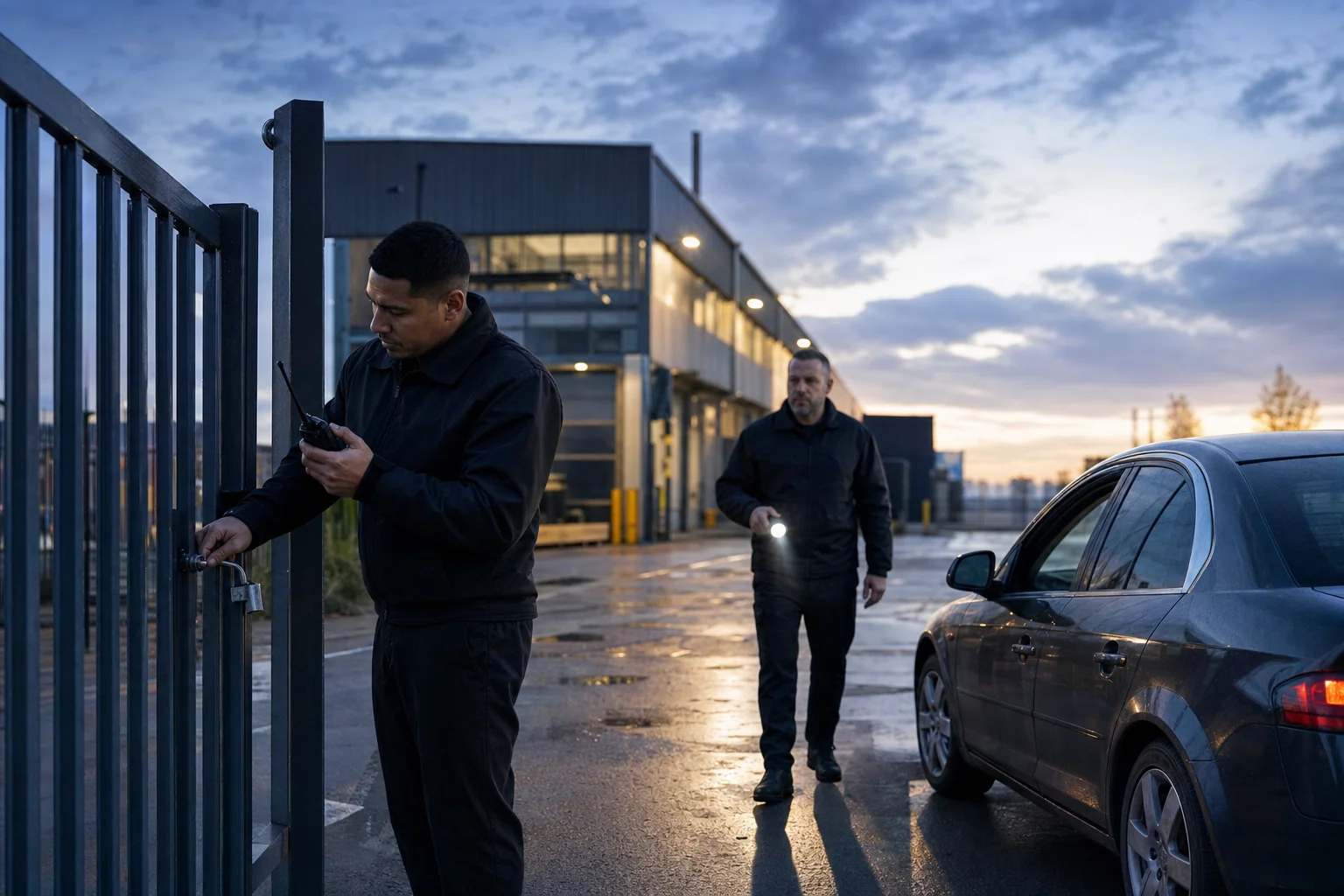


Why do security incidents stay open after the guard files the report?
Security incidents stay open because the report is the end of the guard’s work but the start of someone else’s: the fix usually belongs to the client, and the request travels by email or a phone call nobody tracks. The monitoring platform recorded the alarm; nobody owns what has to happen next.
-
Reports end in an inbox
The guard’s report reaches the client as an attachment, and nobody knows whether anyone read it or acted on it.
-
Each system sees one piece
Alarms in the monitoring platform, rounds in the guard app, footage in the video system, requests to the client in email.
-
The same failure comes back
A door that was never repaired triggers the same alarm next week, and a patrol is dispatched to it again.
How do security companies handle this today?
Most security operations run a monitoring or guard management platform for alarms, rounds and reports, and handle everything that involves the client through email, phone and group chat.
Specialized software
What it does well
Alarm handling, guard tours, checkpoints, video and incident records are reliable and time-stamped.
Where the work leaves it
The record stays inside the platform. The repair the client must make, the approval for extra guard hours or the follow-up with the client’s facilities team continue by email and phone, with no shared owner or state.
Guard management and security monitoring platforms — e.g. TrackTik, Genetec Security Center, Milestone XProtect1
Indie and AI-built apps
What it does well
A quick form app for incident reports or a shared checklist for rounds is cheap and ready in days.
Where the work leaves it
It adds one more inbox, stops at the security company’s walls and cannot hand a corrective request to the client with a state both sides follow.
No system at all
What it does well
Radios, a logbook, group chat and a call to the client are immediate, and everyone knows how to use them.
Where the work leaves it
Nothing has an owner or a state, reports live on paper or in a phone’s photo roll, and when a client disputes a response nobody can reconstruct the timeline.
Keep your monitoring and guard management platforms. Mi Retail takes over where the work leaves them: between the monitoring center, the patrols, the supervisors and the client who must act.
Start freeHow does an alarm at a client site turn into a repair the client actually makes?
A forced-door alarm at a client’s warehouse moving through Mi Retail — from the monitoring center to the patrol, the supervisor and the client’s own facilities team — with the state of each work item at 9:15 a.m.
 Mei
Mei  Kwame
Kwame  Amara
Amara Step by step
- Monitoring center Completed
Forced-door alarm · Kestrel gate 3
At 02:14 the alarm panel at Kestrel Freight’s warehouse reports a forced door, and the monitoring operator acknowledges it as a work item instead of a line in the logbook.
- Mobile patrol Completed
Respond to gate 3 · unit 7
The operator dispatches the nearest mobile patrol, and the guard confirms arrival at 02:23 with a checkpoint scan at the gate.
- Mobile patrol Completed
Incident report · pried lock
The guard files the incident report from the site with six photos and a timeline, confirming the lock was pried but nobody entered the building.
- Account supervisor Completed
Review report · notify Kestrel
The account supervisor checks the report against the post orders and sends Kestrel Freight a derived request to repair the door, with the evidence attached.
- Mobile patrol In progress
Recheck gate 3 on every round
Until the lock is fixed, the patrol adds gate 3 to every round and logs each pass as a checkpoint on the same incident.
- Kestrel Freight · Facilities In progress
Repair gate 3 lock
A derived work item lands in Kestrel Freight’s own Mi Retail, where their facilities team books a locksmith while Ironbridge follows the state without seeing Kestrel’s internal work.
- Account supervisor New
Verify repair and close incident
When Kestrel closes the repair with a photo, the supervisor has it checked on the next round and closes the incident with its full trail.
One work item, two organizations
A derived work item lands in Kestrel Freight’s own Mi Retail, where their facilities team books a locksmith while Ironbridge follows the state without seeing Kestrel’s internal work.
What changes for the security operation
- Every alarm that needs a response has an owner and a state until it is resolved, not just acknowledged.
- Incident reports reach the supervisor with photos, times and checkpoint scans already attached.
- Corrective work goes to the client as derived work items both sides can follow.
- Response times and closures can be shown to a client or an insurer with evidence, not reconstructed.
Apps involved
- Alarm Management In StoneOS
- Response Dispatch In StoneOS
- Patrols In StoneOS
- Incidents In StoneOS
- Evidence In StoneOS
- Shifts In StoneOS
- The monitoring platform you already use Keep your current system
Frequently asked questions: Security services
What is Mi Retail for security companies?
Mi Retail is an operations center for contract security companies, monitoring centers and in-house security teams. It does not replace the software that receives alarms, schedules guards or records video; it manages the human work that has to happen after those systems detect something. An alarm that needs a response, a patrol dispatch, an incident report, a supervisor review or a request for a client to repair a door becomes an Operational Work Item with an owner, a state, a due time and evidence. Each person sees their part: the operator sees open alarms, the guard sees dispatches on the route, the supervisor sees reports to review and the client sees only what it must act on.
Does Mi Retail replace our guard management or alarm monitoring software?
No. Your alarm monitoring platform keeps receiving signals, your guard management system keeps schedules, tours and timesheets, and your video management system keeps the footage; Mi Retail never duplicates them. What Mi Retail adds is the layer those systems were not built for: coordinating the people who must act when a signal becomes a situation. A forced-door alarm is an event in the monitoring platform; in Mi Retail it becomes a case with an owner that moves from the operator to the patrol, from the patrol to the supervisor and from the supervisor to the client, until someone can prove it was resolved. Keep your security platforms; Mi Retail takes over where the work leaves them.
How does Mi Retail handle an alarm from dispatch to closure?
When the monitoring center receives an alarm that needs a response, the operator acknowledges it as a work item instead of writing a line in the logbook. The patrol dispatched to the site receives the response as a work item on its route and confirms arrival with a checkpoint scan. The guard files the incident report from the site with photos and times, and the account supervisor reviews it against the post orders. If the client must fix something — a pried lock, a broken fence, a camera out of service — the supervisor sends a derived work item to the client’s own organization. The incident closes only when the repair is verified, with the full trail attached.
Does the client need to be on Mi Retail to receive incident follow-ups?
Yes. For a corrective request to travel as a derived work item, the client needs its own organization on Mi Retail, which is free to start. The security company picks the client from the directory and sends the request; the client receives it in its own intake queue and assigns it to facilities, maintenance or whoever must act. Each side keeps its privacy: the security company follows the state, due time and result, but not the client’s internal work, and the client never sees the security company’s rosters or internal notes. When the client closes its work item with evidence, the security company is notified and can verify the fix and close the incident.
How do guards file incident reports with photos and times?
The guard files the report from the site, on the same work item they were dispatched on, so the report inherits the site, the post, the alarm and the arrival time without retyping. Photos, a short timeline, checkpoint scans and the names of the people contacted are attached as evidence, and every entry is time-stamped by the system instead of being written from memory at the end of the shift. If the guard cannot finish — the area is unsafe or the police have taken over — the work item can be marked as waiting or blocked with a reason. The supervisor receives the report as soon as it is filed, not the next morning in a stack of paper.
How does a monitoring center hand over between shifts?
The handover stops being a logbook read aloud. Everything the outgoing shift left open is already a work item with an owner, a state and a next action: alarms still under investigation, patrols still on site, reports waiting for review and client requests still pending. The incoming operators start from Today and Team Operations and see what is waiting, blocked or about to miss its time. A promise made at 3 a.m. — call the client’s contact at 8, send the footage to the supervisor, recheck a gate on the next round — is a follow-up with a due time, not a note someone has to remember. Coordinators can reassign work between shifts in seconds.
What does each role see — operator, guard, supervisor, manager and client?
Each role sees the work it is responsible for, not the whole operation. Operators see alarms and dispatches in their queue, ordered by priority. Guards see the dispatches, checkpoints and reports assigned to their route or post in My Work. Account supervisors see the incidents of their clients, the reports waiting for review and the requests sent to each client. The operations manager uses Operational Portfolio to compare sites, contracts and response times, and Executive Operations shows only what needs a decision at that level, such as a site with repeated incidents. The client sees only the derived work items it received and their evidence, never the security company’s internal work.
What evidence does Mi Retail keep for clients, insurers or disputes?
Every work item keeps who acted, when, where and with which attachments. For an incident, that means the original alarm, the dispatch time, the arrival scan, the guard’s photos and timeline, the supervisor’s review, the request sent to the client and the proof of repair, all linked to the same case. When a client questions a response time, an insurer asks what happened or a contract review comes up, the security company can show the full trail instead of rebuilding it from radio logs and messages. Control & Assurance lets a quality or contract team review those trails and record findings, and the evidence holds because it was captured while the work happened.
Can in-house corporate security teams use Mi Retail?
Yes. An in-house security team at a campus, a distribution center or a headquarters faces the same gap: security detects the incident, but the fix belongs to facilities, IT, human resources or a landlord. In Mi Retail the security team opens the incident, and the corrective work goes to the area that must act as a child work item inside the same organization, or as a derived work item when the responsible party is another organization, such as the building owner or an outsourced guard company. The security manager sees which incidents are still open because another area has not acted, instead of finding out when the same door fails again.
Does Mi Retail work for a small guarding company as well as a large multi-site provider?
Yes, it is the same product at both ends. A small company with a few guards and one supervisor gets the essentials: one Today view with open incidents, pending client requests and what must be verified before the next shift, without hierarchies it does not have. A provider with hundreds of guards across many client sites distributes the same work items between monitoring, patrols, supervisors, account managers and regional management, each with its own surface, and exceptions escalate to the right level. What changes is how responsibilities are split, not how an alarm, a report or a client request is represented, so a company can grow without redesigning how it works.
Which StoneOS apps come with the Security edition?
The Security edition of StoneOS brings apps for the domain work of security operations: sites, posts, guards, shifts, patrols, checkpoints, access events, incidents, CCTV operations, alarm management, response dispatch, evidence, visitor management, equipment and security reports. They sit on top of the Business Core apps every team uses, such as Chat, Calendar, People, Drive and Docs. Those apps keep the depth of each domain. Mi Retail is where the work they generate meets the people who must move it: an alarm that needs a response, a missed checkpoint or a visitor exception lands as a work item in the right queue. If you keep your current monitoring platform, it stays the record.
How does a security company get started with Mi Retail?
Start with the flow that leaks the most: usually incident follow-ups to clients, or reports that wait days for review. Create a workspace for one client account, invite the operators, guards and supervisor involved, and let the next incidents arrive as work items with an owner and a due time. Invite the client’s facilities contact to open their own organization so corrective requests travel as derived work items. After a few weeks you will see where incidents stall and which clients take longest to act. Then extend to more accounts, connect the systems you already use and add Security edition apps from StoneOS. Mi Retail is free to start.

Put the work in motion with Mi Retail
Start free with your team, bring in the systems you already use, and give every request an owner, a state and a result.
Run the security operation on StoneOS
Posts, shifts, patrols and alarm management run in StoneOS Security. Mi Retail moves the work between people and clients.